Surfingkeys: Browsing the Web with Vim Motions
Have you ever imagined browsing without a mouse, using only the keyboard as your fingers move across the keys? As a keyboard shortcut addict, of course I have had that dream.
At first, I found a browser called Vimb. It provides a Vim-like environment for browsing the web without a mouse, but browser security is HUGE, so I gave up on it. Besides, I already have enough browsers.
Then I finally discovered the gem that is Surfingkeys. If you are familiar with Vim, you should be able to pick it up quickly.
Download
First, go to the Surfingkeys GitHub page and install to your browser. As a Firefox user, I installed it from Firefox ADD-ONS.
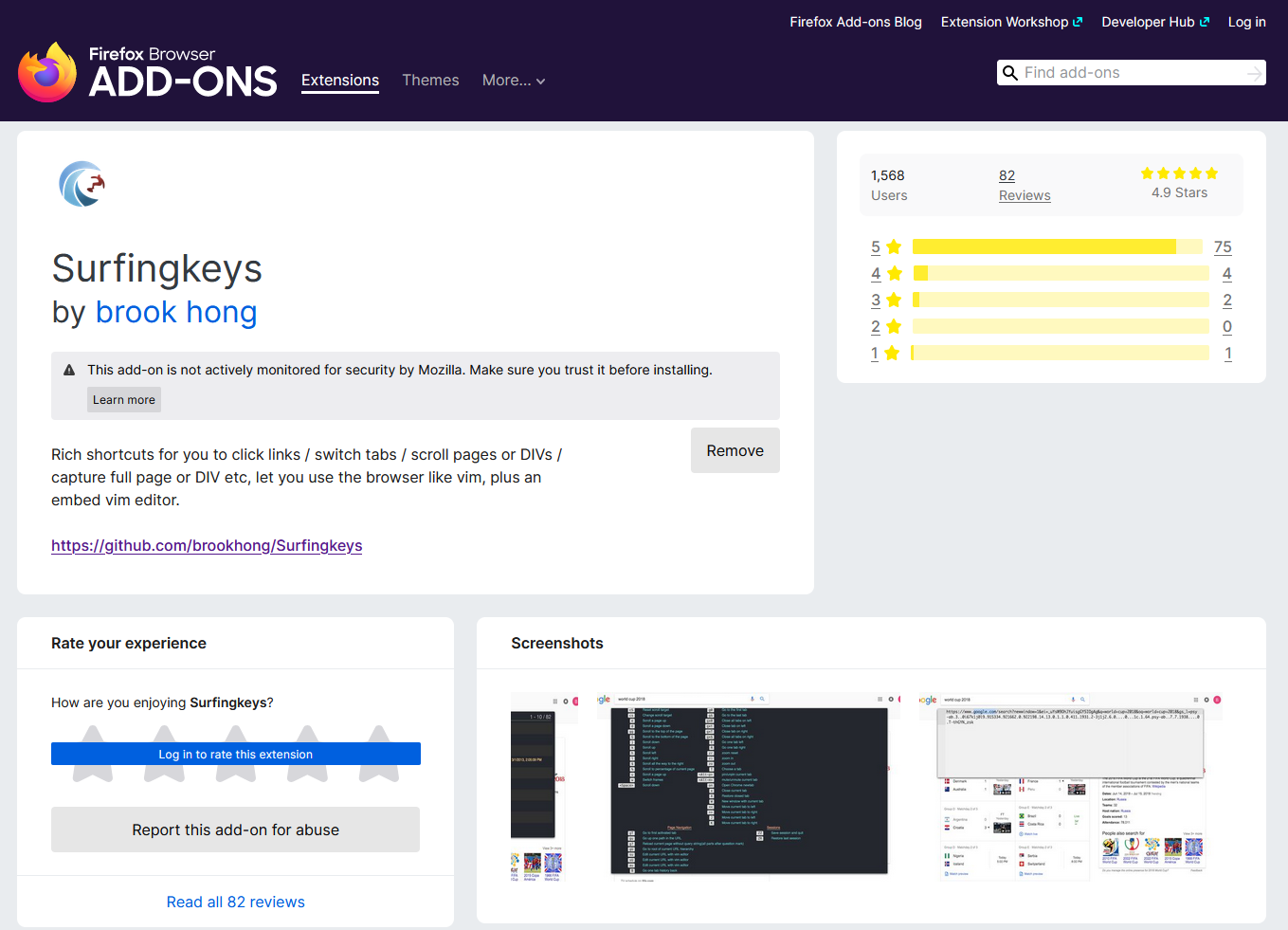
4.9 Stars is pretty neat.
Usage
Press ? to open the help page. I recommend taking a close look at it. Here are the features I use the most:
| Key | Description |
|---|---|
| f | Open a link by typing the yellow hint letters |
| C | Open a link in a new tab |
| i | Jump to an input element |
| x | Close the current tab |
| yy | Copy the current page URL |
| yt | Duplicate the current tab, including its history |
| yl | Copy the current page title |
| j | Scroll down |
| k | Scroll up |
| d | Scroll down half a page |
| e | Scroll up half a page |
| G | Scroll to the bottom |
| gg | Scroll to the top |
| Alt + s | Enable or disable Surfingkeys on the current site |
Demo:
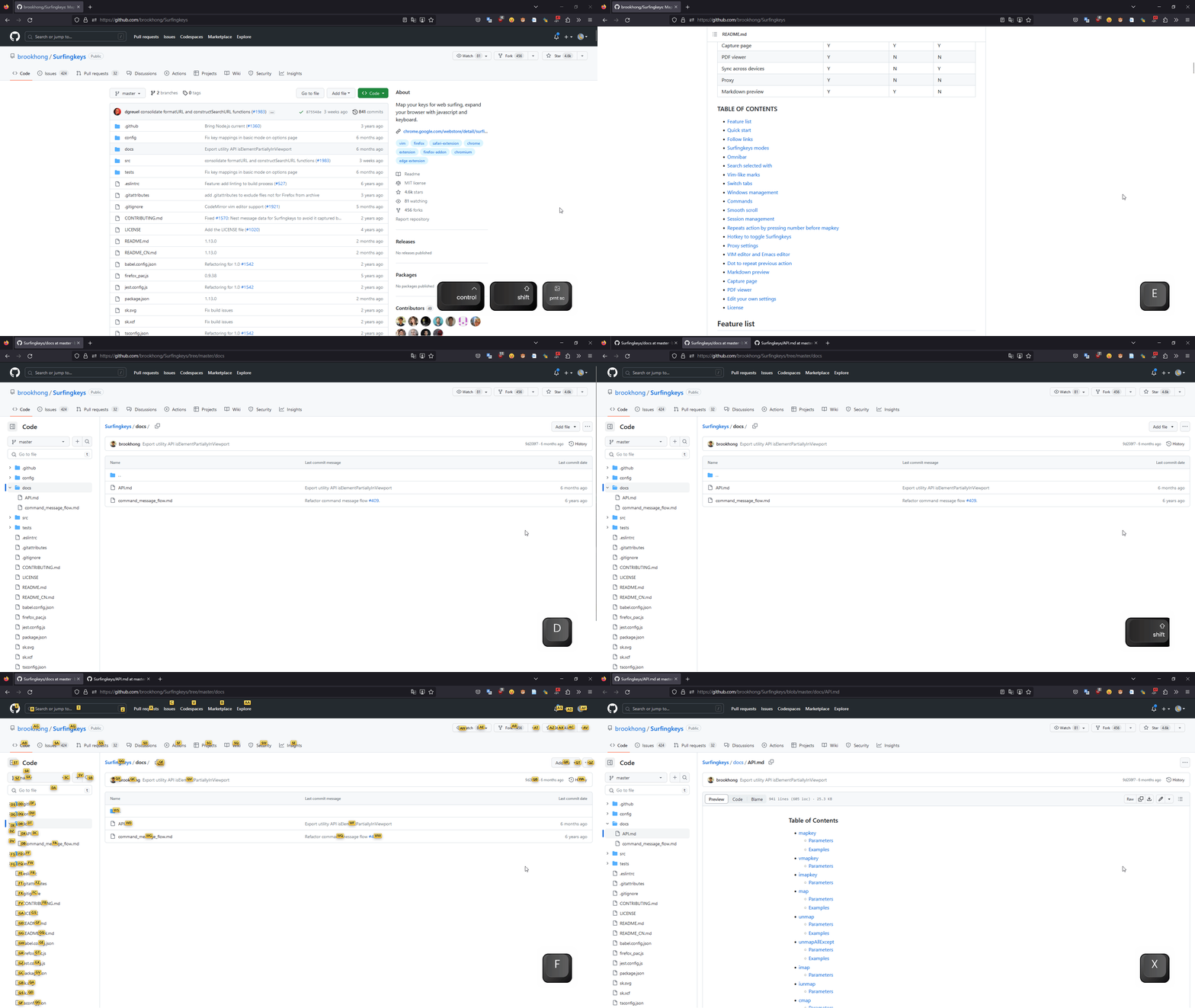
That is about it. Are you ready to surf the web? In addition to the basic features I introduced, Surfingkeys has many more capabilities, such as custom shortcuts and commands. While writing this post, I realized it has an enormous number of features, and I probably use less than 5% of them.